
A candle flickers beside a handwritten greeting. For a few seconds the scene feels calm, then the flame jumps sideways and the whole picture starts again. The individual frames are attractive. The restart is what makes the greeting feel unfinished.
A loop asks a different question from a short film. It does not need a dramatic ending; it needs a return that remains comfortable after several repetitions. Before choosing an AI Video Generator, decide which movement can repeat without turning that return into the most noticeable event.
A Matching Picture Can Still Have A Visible Seam
The last image may resemble the first while the movement between them disagrees. A flower leaning left at the end and moving right at the beginning creates a sudden reversal. A camera drifting inward cannot jump back to its original distance without changing the scale of everything in the frame.
Think about position and direction separately. Position tells you where the petal is at the join. Direction tells you where it appears to be going. A convincing loop needs a compatible transition between both states, as well as lighting that does not suddenly change.
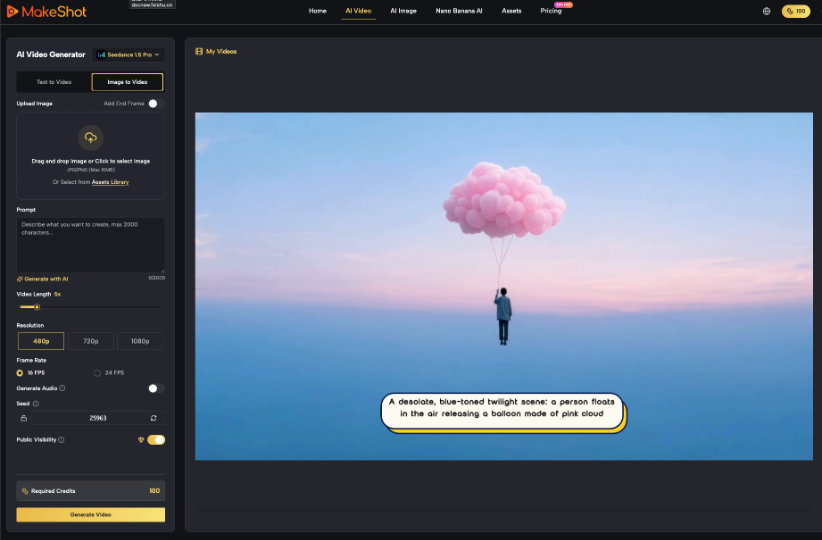
MakeShot AI can generate a short scene from a prompt or an uploaded image. That is a starting point for a greeting background, not proof that the result will loop cleanly. Describe a small repeating action, then judge the join in an editing application where the clip can be repeated directly.
For a hypothetical anniversary card, a ribbon rocking gently beside two cups is easier to reuse than a hand pouring tea. The pour changes the contents of the cup and requires a reset. The ribbon can return to its earlier position without reversing an obvious one-way event.
Choose Movement That Has Somewhere To Return
Look for actions with a stable setting and modest variation: a hanging ornament swaying, a soft reflection shifting or a curtain moving slightly. Keep the camera still for the first attempt. A stationary composition gives the reviewer fewer moving relationships to track at the loop boundary.
Write the motion request around that one action. “A paper heart rocks gently while the table and camera remain still” is easier to assess than a scene with rising petals, moving candles and a sweeping camera. Adding several independent motions makes it less likely that every element will reach a compatible state at the same moment.
Check Whether Reversal Would Change The Meaning
Playing a clip forward and backward can sometimes create a useful back-and-forth movement in a separate editor. It is not a universal repair. Smoke descending into a candle or liquid climbing into a jug looks strange because the reversal contradicts an expected physical process. A rocking paper shape is more forgiving.
If the chosen route in MakeShot AI offers endpoint controls, they can help describe the intended beginning and ending. They still do not guarantee compatible movement between those images. Treat any endpoint reference as direction for generation and inspect the actual transition after export.
Keep faces and readable writing out of an early loop experiment unless they are essential. A blinking face creates its own continuity problem, while generated lettering may change shape. Establish the background movement first, then add the greeting as editable text in the finishing application. Retain a copy without text so another message can use the approved loop.
Watch The Join Across Five Repetitions
Place five copies end to end on a timeline with no transition. Watch them at ordinary speed. The first pass reveals the scene; later passes reveal the seam. A small jump that seemed harmless once can become a regular visual interruption when the greeting remains on screen.
Mark the moment you notice the restart and identify the cause. Did the object change position? Did the motion reverse too sharply? Did the exposure pulse? This diagnosis matters because a crossfade may soften a lighting change while creating a double image around a moving object.
When using an AI Video Generator for another attempt, revise the specific cause. Reduce the sway if the object travels too far, remove camera movement if scale changes, or simplify the lighting if brightness cycles unpredictably. Do not replace a precise defect report with “make it seamless.”
Try trimming to a shorter interval before generating again. Two compatible moments may occur inside the clip even when its supplied beginning and ending do not match. Compare the object’s shape and movement at both trim points. Leave enough duration for the gesture to feel unhurried.
A crossfade is worth testing when the background is soft and the subject changes little. Watch the overlap itself, not just the cut it hides. A candle with two flames or a ribbon with two edges can be more distracting than the original restart. Reject the treatment if the repair becomes another visible effect.
Check an exported repeat as well as the timeline preview. A player that pauses briefly before restarting can create a seam that was absent in the editor. If the destination cannot repeat smoothly, export several cycles as one ordinary video. This does not make playback infinite, but it gives the recipient a longer uninterrupted view without relying on the player’s loop behavior.
Listen separately if the clip includes audio. A repeated sound can click or restart conspicuously even when the picture loops well. Use an intentionally prepared soundtrack or silence in the final greeting; do not assume the visual trim also produces a clean audio boundary.
Place The Message Where Motion Does Not Compete
Add the actual greeting after accepting the background. Choose a stable region and inspect the entire cycle for bright reflections or objects passing behind the words. A readable first frame is insufficient if the sentence becomes difficult to read halfway through each repetition.
Keep the message short enough for its intended display. A loop allows repeated viewing, but it should not require the recipient to wait through several cycles to understand a simple wish. If the message is long, use a still card or a longer reading sequence instead of forcing it onto a restless background.
MakeShot AI supplies the visual candidate; the finishing project should preserve the approved wording, type and timing separately. Save a still fallback from a calm frame. Some destinations may display a static preview, and that version should communicate the same greeting without depending on movement.
Choose The Version That Remains Comfortable On Repeat
Review the final export in the format the recipient will actually see. Check the repeated picture, text contrast and sound together, then look away and return midway through a cycle. The greeting should still make sense without a privileged starting moment.
The best loop may be the least eventful candidate. A small coherent movement can support a personal message for longer than an elaborate scene that visibly resets. Keep the version whose join disappears into the background and whose still frame remains worth sending.
